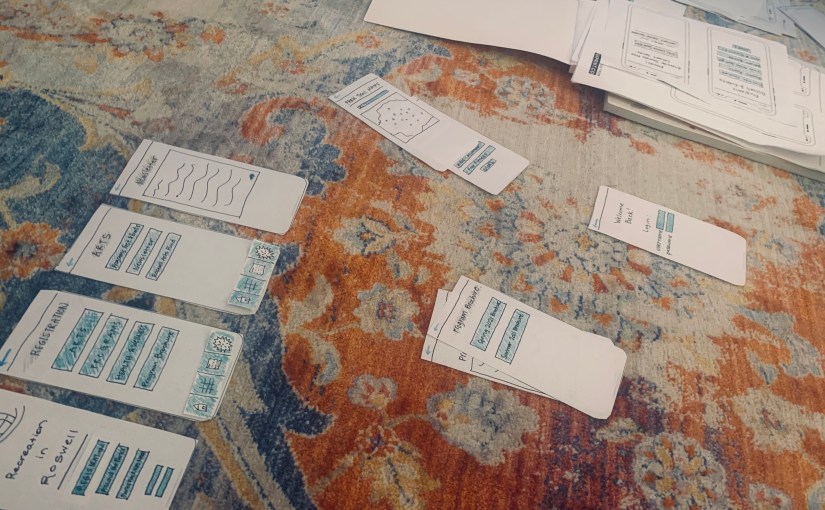
As designers create prototypes for their products, the process of fine-tuning and making improvements requires more people than just the researcher and/or designer. Outside participants are necessary components of the design thinking process.
A product, app or website cannot be created or designed to its best ability without the help of outside feedback. Usability tests are integral to the process of creating a great product.
“During testing of the emerging prototype with the user, the process generates little bits of data that the client can see and gain confidence from,” (Martin, 2014).
Martin explains that the rapid process of testing with the users helps the clients discovered things they may have skipped over or gain confidence in their initial designs. There is a user experience and a client experience, which is not often found in design processes. The user is able to discover a new product and talk about things they like and don’t like, while, at the same time, the client is making notes of the user’s likes and dislikes which will help improve the design.
Testing in Action
I created a rapid user test by using the POP app (Prototyping on Paper) and two participants. The POP app allows researchers and designers to upload screen shots of their paper prototypes to the app, apply links to the other screens and then create a walk-through of how the app would work.
>> My POP website link <<
I had two volunteers participate in the testing. Their identities will be kept anonymous and will be named Participant 1 and Participant 2. Both participants frequently visit the internet, enjoy hiking and being outside and live active lifestyles. These two participants have never lived in Roswell, Ga., and they do not know much about the area.
The testing was conducted on zoom and it took around 5-10 minutes to complete both tests for the participants. The participants were read an introduction about the testing, and they were given three tasks to complete.
Task 1: You are interested in signing your child up for a summer camp at the Visual Arts Center. Locate the Summer 2021 Program Brochure.

Task 2: You want to know more about the local art scene. Locate the Newsletter for the Arts section.
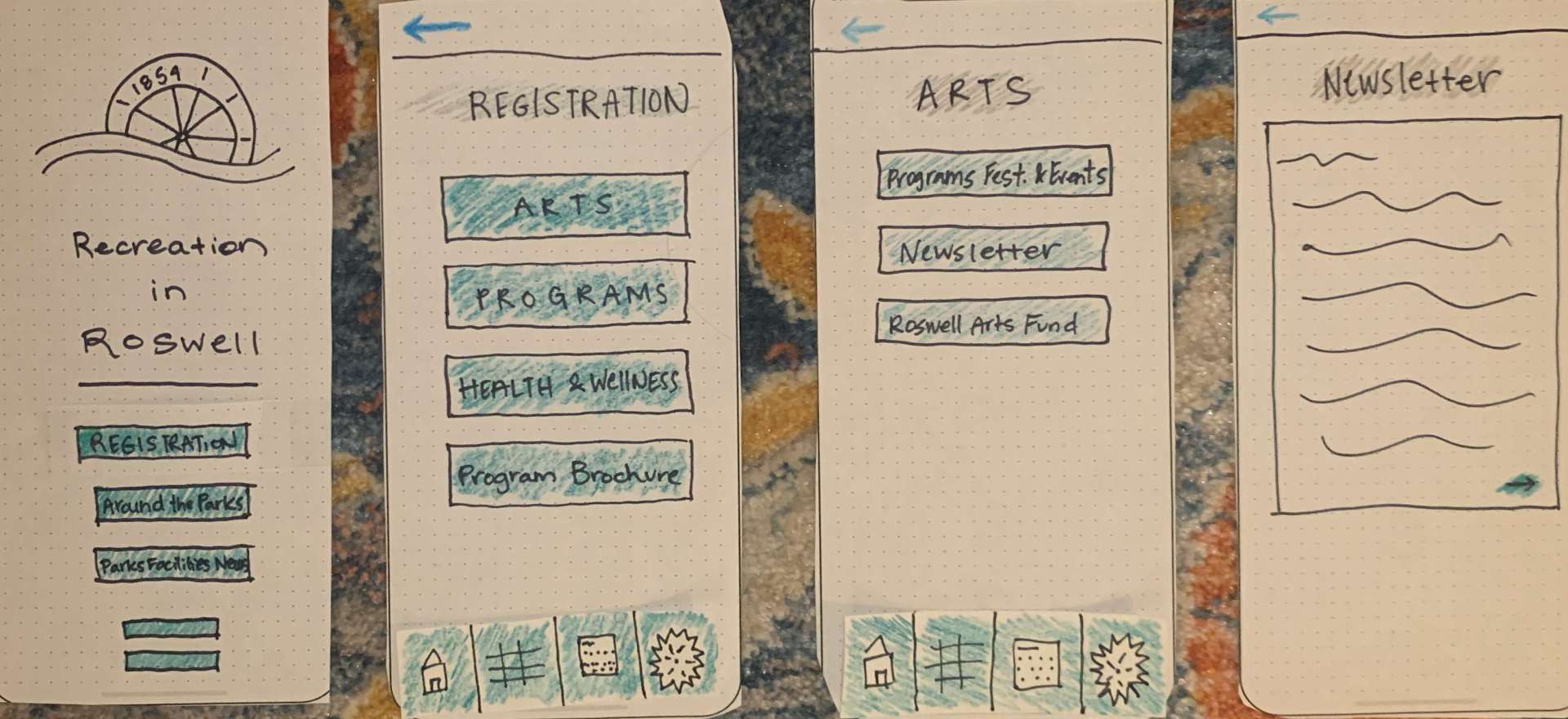
Task 3: You are not sure how far a certain park is from your home. Locate the Parks Trail Map.
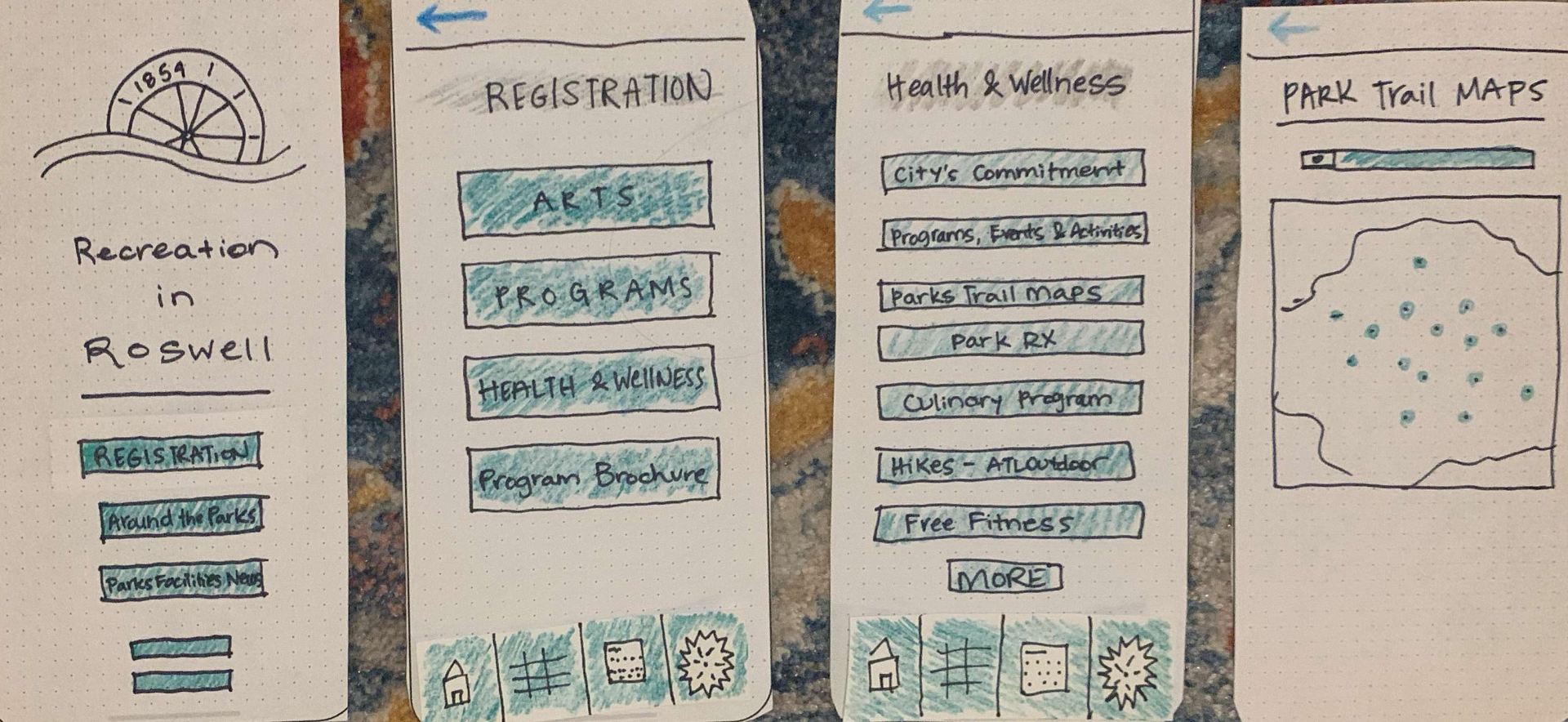
Screenshots of videos:

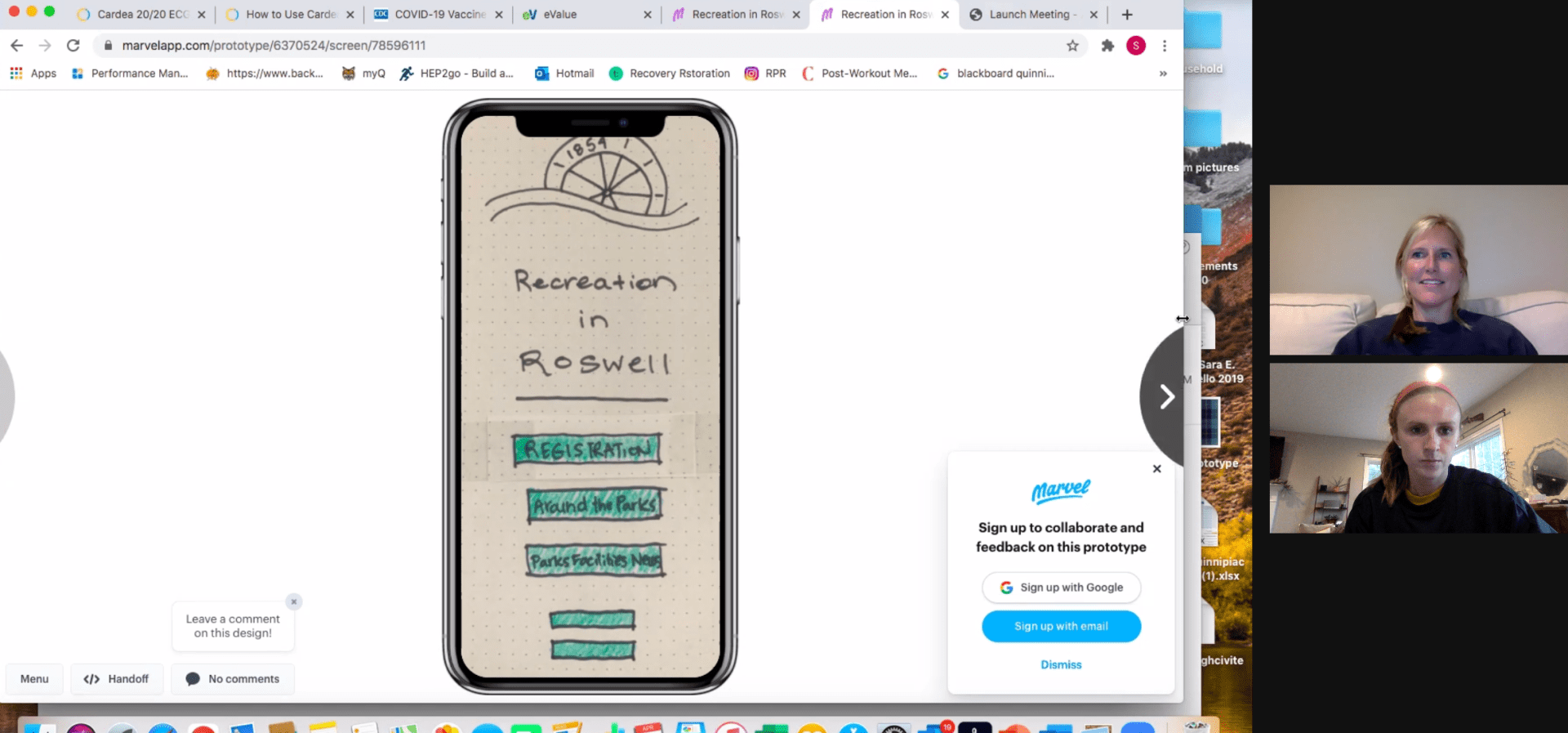
Both participants gave similar feedback, and were able to complete all of the tasks easily. Participant 1 commented positively on the color scheme of the app, and Participant 2 enjoyed the simplicity of the layout. Below you will find an in-depth discussion of the findings and a link to a presentation on the testing.
Summary of Findings
Both users completed the tasks given to them easily. This was reassuring to know that the app’s design is simple enough for non-residents to figure out as my participants would not know much about the city of the Roswell itself. As the tester, I realized rather quickly that the main menu when you open the app created the most issues…
I discovered during the testing that I created the main menus based on the information found in the main Roswell municipality website, which is rather cluster and information is repeated. I did not put enough thought into the layout of the main menus, which proved to be problematic during the testing.
Both Participant 1 and 2 gave feedback related to the main menu setup. They both suggested having additional menus as the Registration menu was not the first menu they would pick when it came to the tasks. During the testing, I had three main menus, Registration, About the Parks and Parks, Facilities and News. After my tests, I realized I definitely needed to add more main menus.
I think keeping the Registration menu is important. Users who want to find out about programs and what is offered during the seasons will use this menu. The submenus will be changed to Program Brochure, Health & Wellness Programs and Art Programs.
The two new menus that will be added/adapted will be titled “Around the Parks” and “Future Planning/Inquiries”. Around the Parks will be changed from the current menu. This menu will feature all of the news going on around the different aspects of the recreation department – events, park trail maps, newsletters, festivals and the Roswell Arts fund. The Future Planning/Inquires menu will include the letter from the director, the park master plans, the park’s national recognition and reporting an issue.
The fourth menu with be Parks & Facilities. This menu will include information about the different parks, reservations for a facility, parks and trail maps and the weather hotline/updates.
I believe these changes will help the usability immensely. I believe I had a little bit of bias while working on the opening stages of this app design because I know the city and the ins and outs of the rec department so well. This usability testing exercise helped me realize that people do not know a lot about the city’s recreation and park department, which will help me make these changes and improvements.
References
Martin, R. (11 Feb. 2014). The unexpected benefits of rapid prototyping. Harvard Business Review. Retrieved from https://hbr.org/2014/02/intervention-design-building-the-business-partners-confidence?referral=03759&cm_vc=rr_item_page.bottom
 MAGGIE PRUITT