Navigating a website is one of the most important parts of a user’s success and willingness to return to the website. If a user cannot find the answer to their question or where something is on the website, the user’s task at hand fails. In addition to the ease of navigation, the first impression of the website is also very important. According to Jeff Sauro of MeasuringU, when a user’s first click leads them to the page that will eventually lead them to their answer, 87 percent of users find what they are looking for. When a user clicks on the wrong path, however, they will only succeed 46 percent of the time.
Navigation and an ease of clicking is a key part of a successful website design. Measuring and testing a first click path with the first click test is a great way to examine a website’s navigation paths. The first click test is a research method used to examine the usability of a website and how easy or difficult it is to complete a task (UsabilityHub).
To conduct a first click test (Sauro, 2011):
- Create a set of scenarios for user to experiment with – The goal for the experiment user should be to solve a problem or answer a question.
- Make sure to note all of the correct ways the user could solve the problem (multiple paths and click points)
- Track the clicks – use software like MUIQ or Chalkmark or track the clicks by hand
- Time how long it takes for a user to solve the problem or answer the question – if it takes a user a long time to find the answer that can be evidence for navigation errors.
- Use a seven-point scale and ask the experiment users to note how confident they were that they answered the question or found the answer
- Use the same seven-point scale to ask the experiment users if they thought it was difficult to find the answer – this can be an opportunity for feedback on things that could change within the navigation of the website.
- Have the users try the same experiment on the new design of the website to see if it is easier or harder
For a first click test, the tools needed would be a stopwatch and note taking tools (pencil/paper) if a click-tracking software is not used. In addition, the researcher would need to provide a few questions or problems for the experiment users to solve.
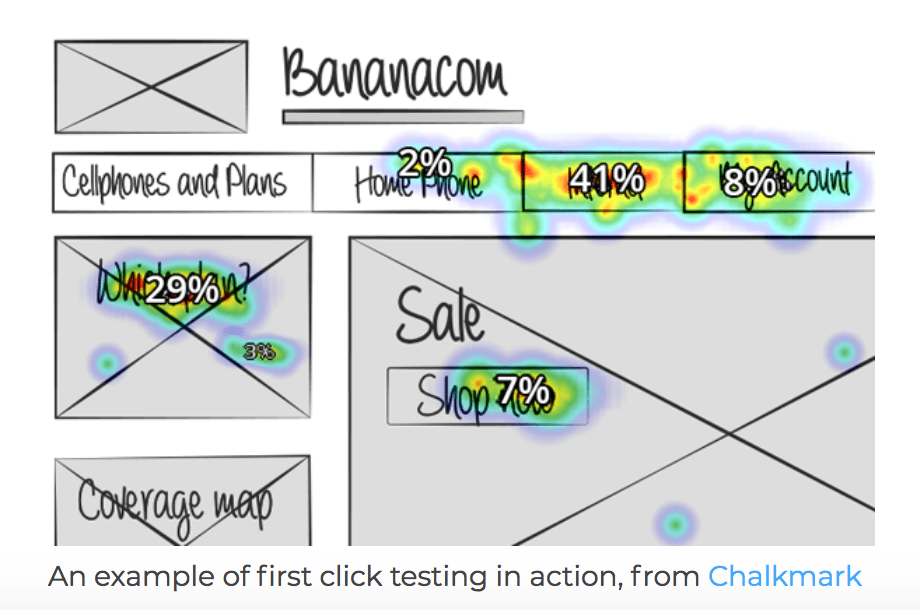
This photo is an example of a heat map from Chalkmark that shows researchers where users click the most on a website’s homepage (Chalkmark & User Interviews).
Web analytics allow you to see the links that users clicked, but the reason why they clicked those links is not known. This is why the first click test is a great research method for website navigation.
In 2006, the Center for Disease Control and Prevention (CDC) made some updates to its website (CDC.gov). Bob Bailey and Cari Wolfson conducted the FirstClick usability test and analyzed the factors that increased or decreased a user’s success level on a task. Their research would go on to be one of the most influential studies for website navigation and usability.
Bailey and Wolfson discovered a correlation between a user’s first click and the success in the final task (Bailey, 2013). They also found that when users had trouble deciding their first click, the success of the task was not there as often. Bailey and Wolfson had users complete over 130 scenarios in a one-hour testing period because tasks usually took less than 30 seconds to complete.
Another example of a first click test could be asking users to navigate Yelp’s website to complete a task.
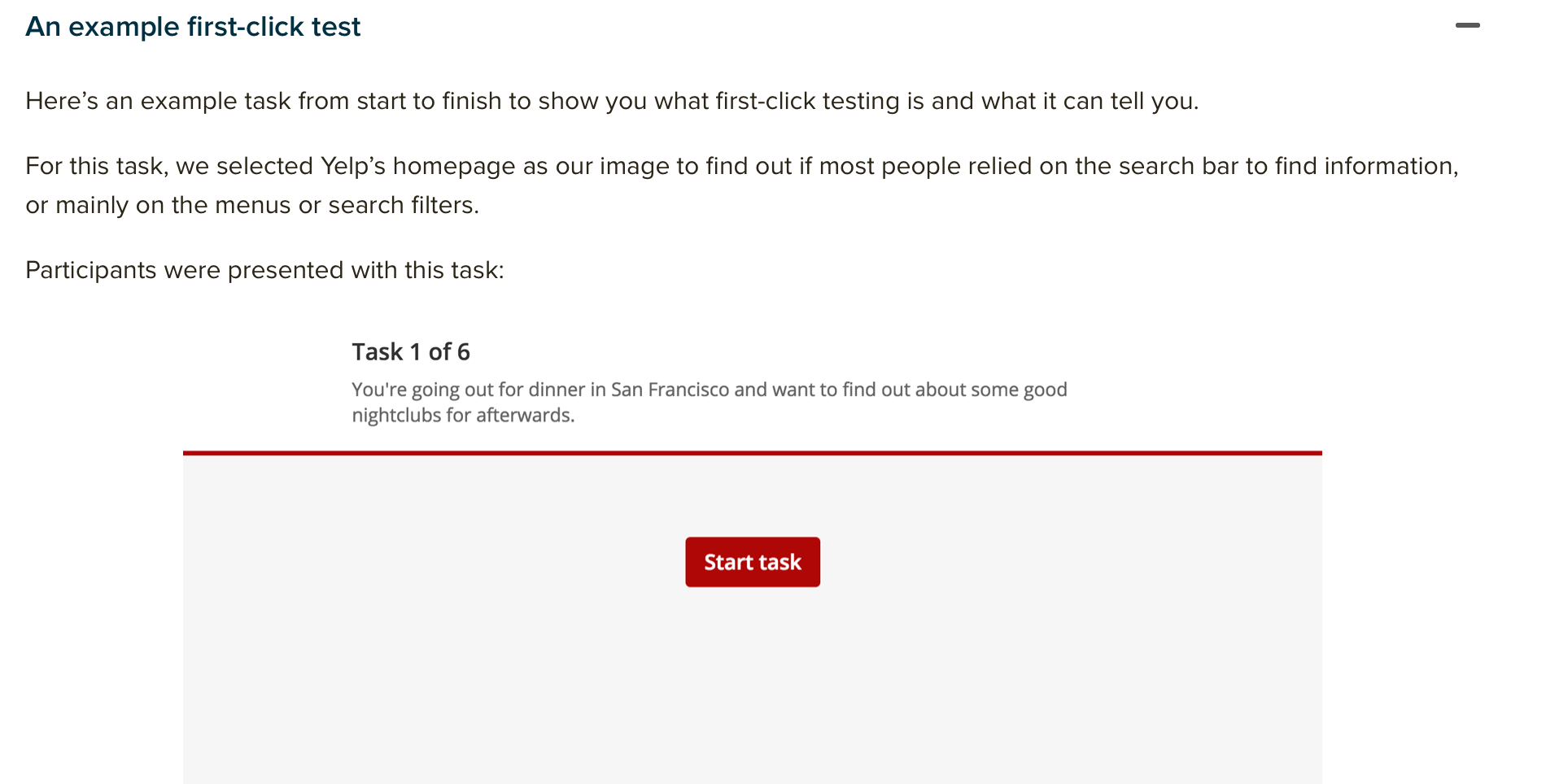
In this example, users could complete the task by using the search bar or clicking in the menu.
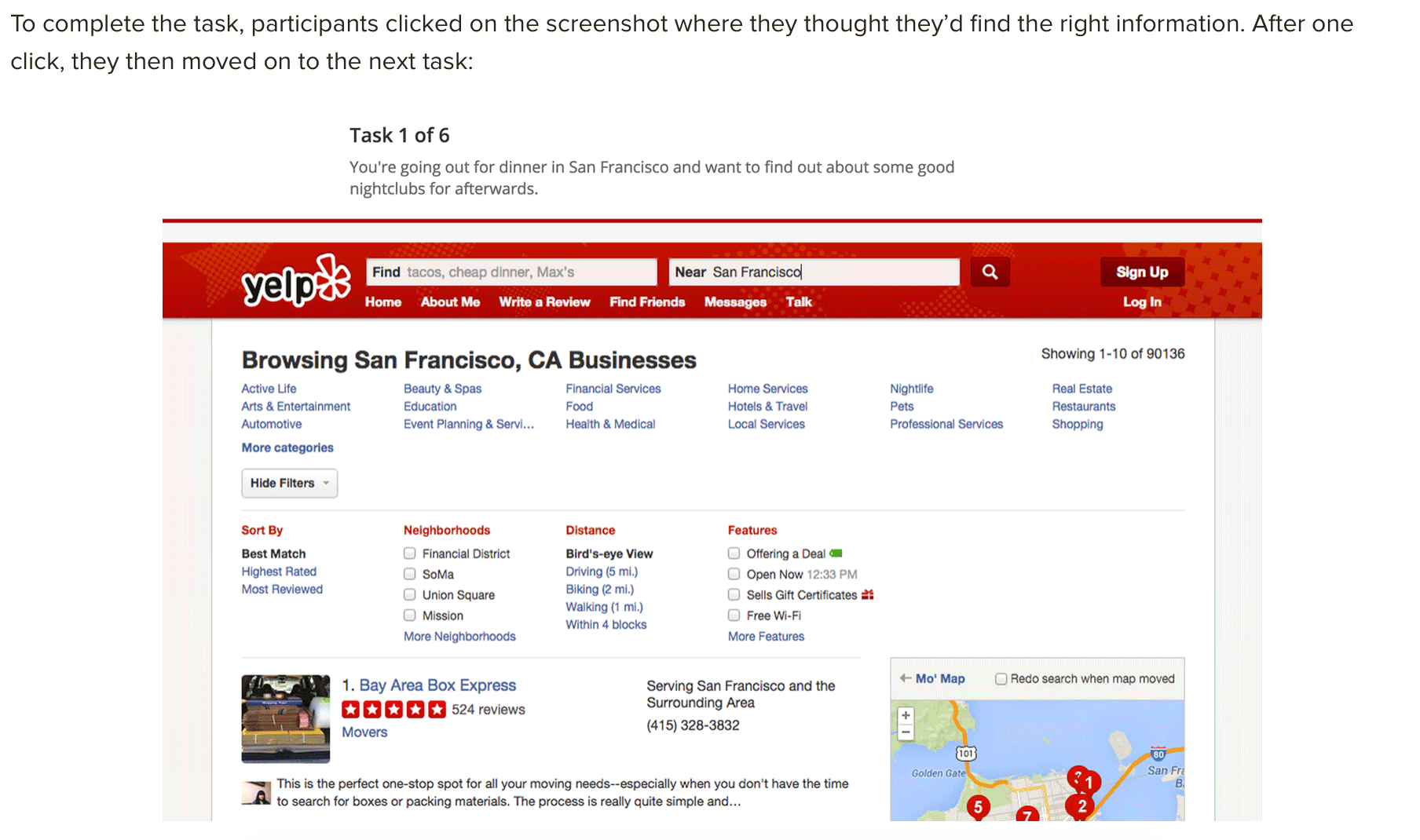
According to Optimal Workshop, 87 percent of users clicked in the menu bar and 13 percent clicked in the search bar first.
In order to have an informative first click test, the researcher must select the webpages they want to analyze, establish the goals and write the tasks. Having quality participants is also important as they will give you valuable feedback. It is also important to select users who represent the website’s normal users.
The first click test will allow a research to determine if there are navigation errors or improvement that could be made on the website to enhance a user’s experience.
In conclusion, the first click test allows researchers to see users in real time attempting a task and how a website’s design can influence the ability to complete the given task. With many factors that can have an impact on a user’s ability to completing a task, it is important to use the information from a first click test to help make a user’s experience better.
References
An introduction to first click test. UsabilityHub. https://usabilityhub.com/guides/first-click-testing
Bailey, B. (2013, Oct. 8). FirstClick usability testing. Web Usability. http://webusability.com/firstclick-usability-testing/
Sauro, J. (2011 Oct. 19). Getting the first click right. MeasuringU. https://measuringu.com/first-click/
First click testing. User Interviews. https://www.userinterviews.com/ux-research-field-guide-chapter/first-click-testing
First click testing 101. Optimal Workshop. https://www.optimalworkshop.com/learn/101s/first-click-testing/
 MAGGIE PRUITT